

Why You Need the Best Free Password Manager Today
Managing passwords has become harder than ever. From social media to banking, every account demands a strong and unique login. Remembering them all is impossible, and writing them down isn’t safe either. That’s exactly why a best free password manager can save you time and stress.
These tools don’t just store your login details securely, they also generate strong combinations and auto-fill them when you need. The biggest relief? Many of the top options are free. So instead of reusing weak passwords or constantly hitting “forgot password,” you can enjoy both safety and convenience. A reliable password manager becomes like a personal digital vault—always available, always secure.
Bitwarden – Best Free Password Manager for Transparency
Bitwarden stands out as one of the most reliable tools for managing your digital life. Its open-source design means experts worldwide can inspect and verify its security. With unlimited password storage, syncing across devices, and even sharing options, it easily tops the list. Unlike some rivals, Bitwarden’s free version is not stripped down—it gives you almost everything you need for daily use.
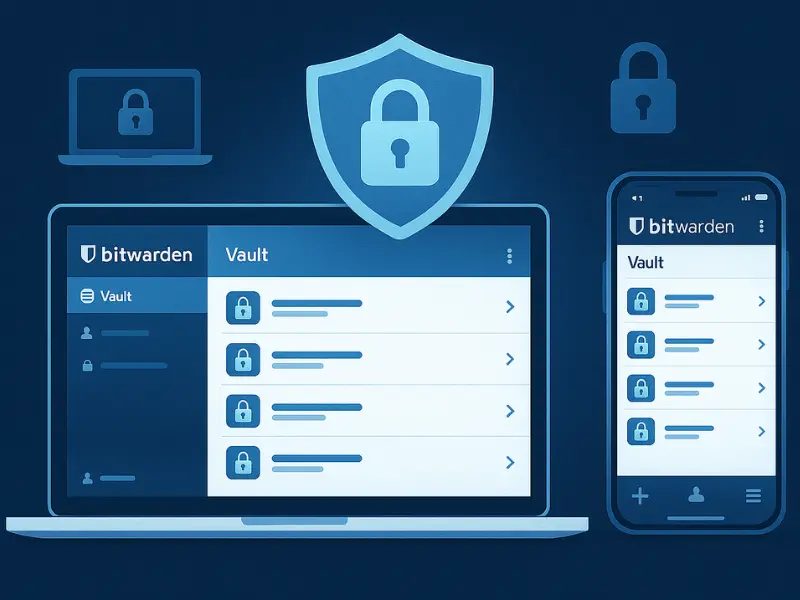
Bitwarden’s interface is simple and quick to learn, which makes it perfect for beginners and pros alike. The browser extensions and mobile apps integrate smoothly, so whether you are logging into an email on your phone or shopping online on your laptop, Bitwarden saves time. If you want enterprise-level protection without paying a penny, this is a go-to option.
Highlights:
- Unlimited storage and syncing
- Open-source transparency
- Secure sharing features
Pros:
- Strong encryption with zero-knowledge model
- Works on all platforms and browsers
- Free tier is generous
Cons:
- Some advanced options (like emergency access) are locked in paid version
- Slightly less polished interface than competitors
Also Read: Best Project Management Software to Boost Team Productivity
LastPass – A Free Password Manager for Easy Access
LastPass is widely recognized for its beginner-friendly approach. The free version lets you store unlimited logins and auto-fill them easily. However, a major limitation is that you can only use it on one type of device — either desktop or mobile. For example, if you set it up on your computer, you won’t be able to sync with your smartphone unless you upgrade.
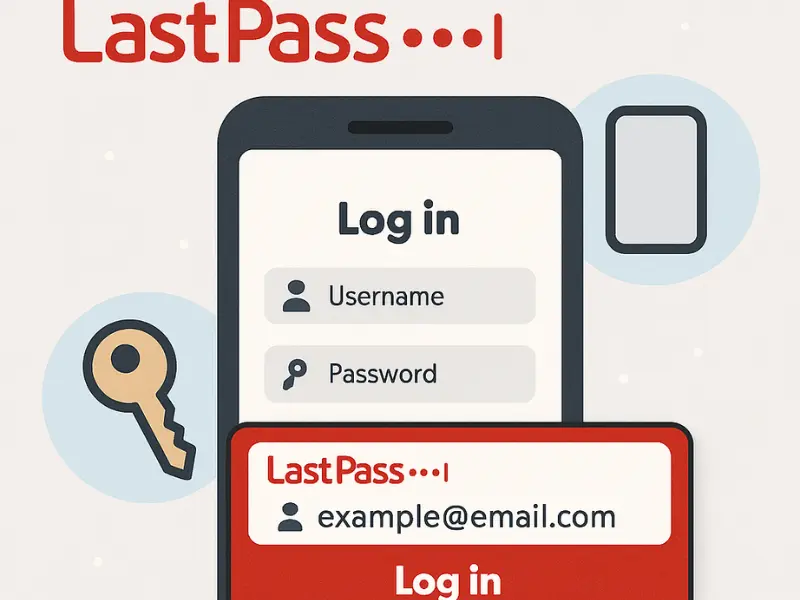
Despite this restriction, LastPass shines in terms of design and convenience. It also includes a built-in generator and multi-factor authentication, making it secure and practical for those who stick to one main device. For many beginners who just want an easy setup without dealing with advanced settings, LastPass feels like the simplest choice.
Highlights:
- Unlimited storage
- Smooth autofill experience
- Simple setup for beginners
Pros:
- Highly intuitive design
- Secure login generator
- Trusted reputation
Cons:
- Single-device restriction for free users
- Advanced features behind paywall
NordPass – Sleek and Secure Free Password Manager
Developed by the team behind NordVPN, NordPass combines strong protection with a stylish design. It’s ideal for users who want a clean and fast experience. With unlimited storage included, it covers the basics well. However, the free version only allows one active device at a time, which may frustrate multi-device users.
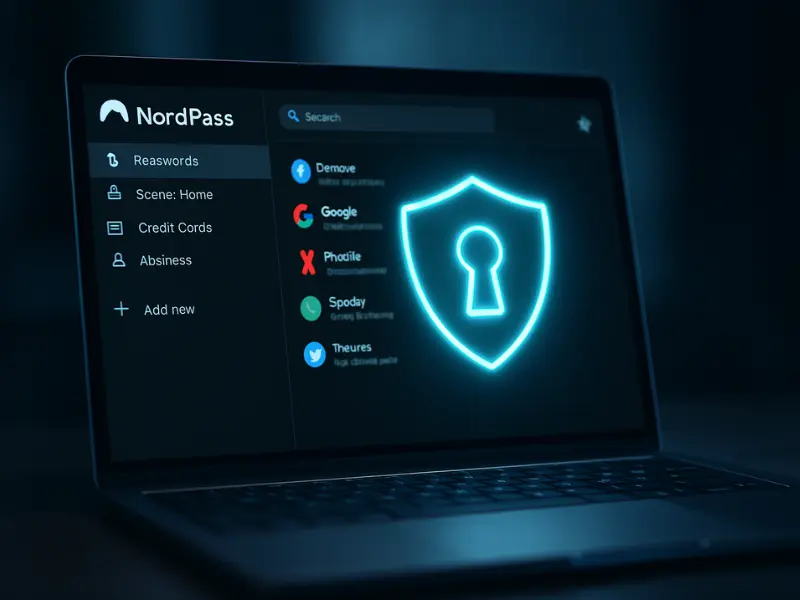
NordPass uses advanced encryption algorithms, giving peace of mind to security-conscious users. The autofill works smoothly, and the app is lightweight, so it doesn’t slow down your device. It also offers biometric login on mobile, which makes accessing your vault faster and more convenient. If you value simplicity and modern design, NordPass is worth considering.
Highlights:
- Unlimited password storage
- Polished design
- Fast autofill features
Pros:
- Created by a trusted cybersecurity company
- User-friendly mobile and desktop apps
- Strong encryption for sensitive data
Cons:
- Free version limits you to one active device
- No password sharing in free tier
Also Read: Best AI Music Generator Tools to Create Music Easily
KeePass – The Offline Free Password Manager for Tech Lovers
KeePass takes a different approach compared to cloud-based managers. It stores your vault locally, which means you control where and how your data is kept. Security enthusiasts love this option, but it does require manual setup. Unlike others, you’ll need to manage backups yourself, but for privacy-conscious users, that’s a benefit.
Its plugin support and customization make it powerful, but the interface is less user-friendly than others. Beginners may struggle, but for those who want complete offline control, KeePass is unmatched. It’s particularly suitable for people who don’t trust cloud storage and prefer a do-it-yourself approach.
Highlights:
- Offline storage for maximum control
- Plugin support for advanced use
- Open-source and free forever
Pros:
- Absolute control of data storage
- Lightweight and secure
- Customizable through plugins
Cons:
- Not beginner-friendly
- Outdated interface compared to modern apps
Zoho Vault – Great for Teams and Sharing
Zoho Vault is often overlooked but shines when it comes to collaboration. The free plan lets you store unlimited passwords and sync across devices. What makes it special is its sharing and group management features, making it excellent for families or small teams who need safe access to shared logins.
Although its design isn’t as sleek as NordPass or Bitwarden, Zoho Vault is reliable and practical. It also integrates well with other Zoho business tools, which is a big plus for small companies. If you want to share credentials with colleagues or loved ones securely, this option is a strong fit.
Highlights:
- Unlimited storage and sync
- Team-friendly features
- Trusted by businesses worldwide
Pros:
- Great for sharing and collaboration
- Works well across devices
- Reliable and secure
Cons:
- Less attractive interface
- Some advanced features require paid plan
Also Read: Text to Speech Software: 5 Best Tools to Use in 2025
Comparison Table – Best Free Password Managers at a Glance
| Password Manager | Storage | Device Syncing | Ease of Use | Best For | Free Limitations |
|---|---|---|---|---|---|
| Bitwarden | Unlimited | Unlimited | Easy | General users | Some advanced features locked |
| LastPass | Unlimited | Single device type | Very easy | Beginners | Device restriction |
| NordPass | Unlimited | One device at a time | Sleek | Simplicity lovers | No sharing |
| KeePass | Unlimited | Manual (local only) | Complex | Tech enthusiasts | Steep learning curve |
| Zoho Vault | Unlimited | Unlimited | Moderate | Teams & families | Limited advanced options |
Key Takeaways
- Bitwarden is the overall strongest free option with transparency and unlimited syncing.
- LastPass works best if you use one device type only and prefer simplicity.
- NordPass balances sleek design with solid protection, though it restricts syncing.
- KeePass is perfect for tech-savvy users who prefer offline storage and customization.
- Zoho Vault is ideal for small teams or family sharing thanks to collaboration tools.
Also Read: Free Project Management Software: Top Tools for 2025
FAQs
Q1: Are free password managers safe to use?
Yes. Reputable providers like Bitwarden and NordPass use advanced encryption and zero-knowledge design, ensuring strong protection.
Q2: Can I use the best free password manager on multiple devices?
Yes, though some free versions limit syncing. Always check if device syncing is included before choosing.
Q3: What if I forget my master password?
Most managers cannot recover it due to security protocols. Store your master password safely in a secure place.
Q4: Which is the best free password manager overall?
Bitwarden is often ranked #1 because it provides unlimited storage, cross-device access, and strong open-source transparency.